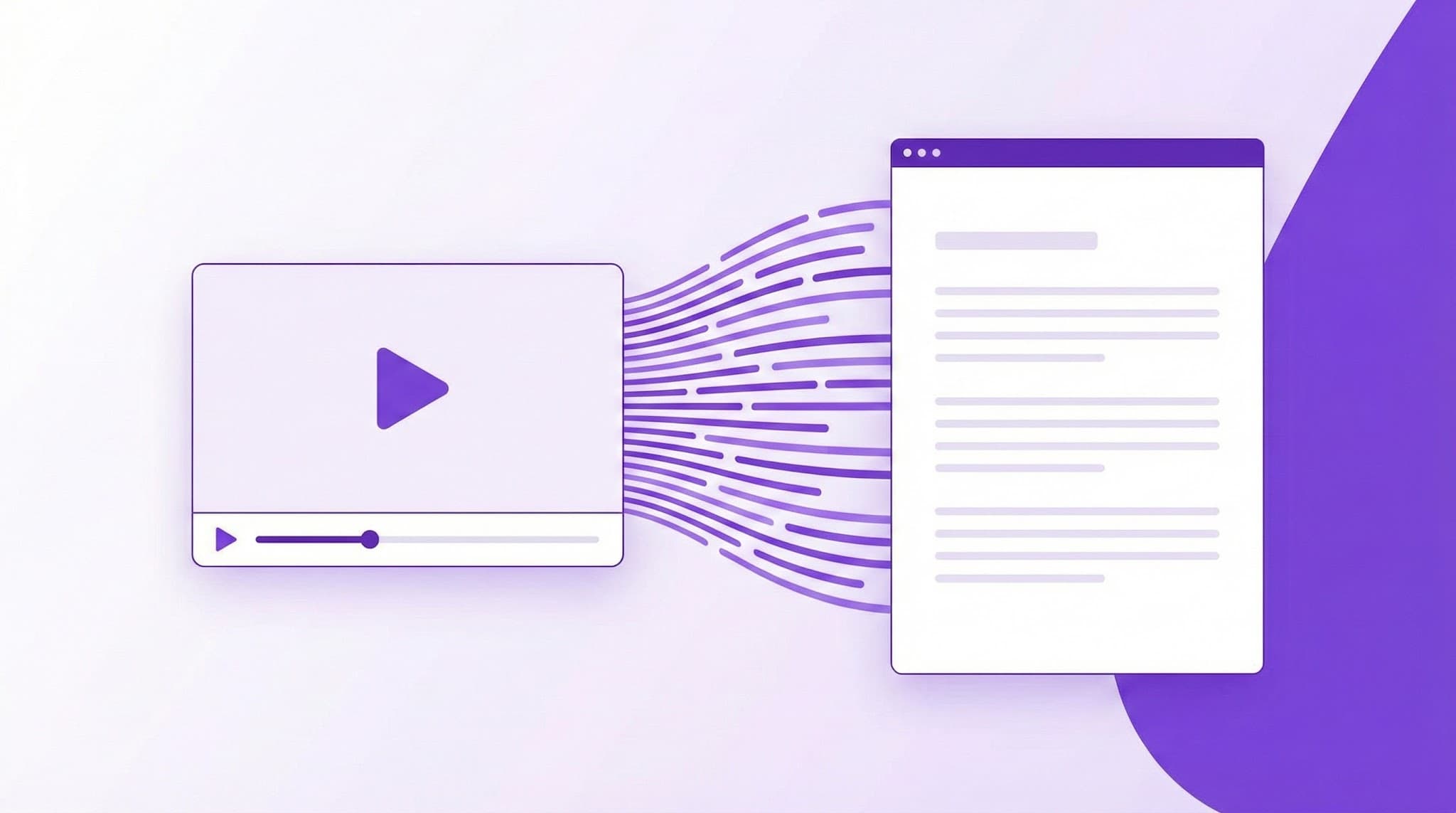
YouTube Transcript Search: Find Exactly What Was Said in Any Video
Search within YouTube video transcripts to find specific words, phrases, or moments. Jump to exact timestamps instantly.

Ced Yarish
Founder · 1,000+ hrs YouTube

Key Takeaways
(TL;DR)- Search for any word or phrase within YouTube video transcripts
- Click search results to jump directly to that timestamp
- Find specific quotes or information in long videos instantly
- Perfect for researchers, journalists, and content creators
- Save hours by searching instead of scrubbing through videos
You're watching a 2-hour podcast. The host mentions a book title around the 45-minute mark. But when you want to reference it later, you can't remember exactly when. So you scrub through the timeline, rewatching random sections, wasting 15 minutes to find a 10-second clip.
There's a better way.
The YouTube Transcript Search by YTScribe lets you search within any video's transcript—find exactly when something was said, click the result, and jump directly to that timestamp. What took 15 minutes now takes 15 seconds.
How Transcript Search Works
Step 1: Load the Video
Paste any YouTube URL into YTScribe. We extract the complete transcript instantly.
Step 2: Search for Anything
Type any word, phrase, or topic into the search bar:
- Single words: "blockchain"
- Exact phrases: "machine learning algorithms"
- Partial matches: "neural" (finds neural, neurons, neural networks)
Step 3: See Results with Context
Each result shows:
- The matching text with highlighted keywords
- Surrounding context (what was said before and after)
- Exact timestamp (clickable)
- Match number ("3 of 17 matches")
Step 4: Jump to the Moment
Click any result to:
- Open YouTube at that exact timestamp
- Copy the timestamped URL for sharing
- Continue watching from that point
Why Search Beats Scrubbing
⏱️ Time Savings
| Task | Manual Scrubbing | Transcript Search | |------|------------------|-------------------| | Find a quote in 1-hour video | 10-20 minutes | 10 seconds | | Locate a topic in podcast | 15-30 minutes | 15 seconds | | Verify a claim | 5-10 minutes | 5 seconds | | Find all mentions of a term | Impossible | Instant |
🎯 Precision
Scrubbing relies on memory and luck. Search finds every instance with zero misses.
📋 Documentation
Search results can be exported, shared, and referenced—unlike mental notes from scrubbing.
Real-World Use Cases
📚 For Researchers & Academics
The challenge: Qualitative research requires reviewing hours of video interviews, identifying specific quotes, and citing exact timestamps.
The workflow:
- Load interview videos into YTScribe
- Search for key themes ("motivation," "challenges," "success")
- Document all instances with timestamps
- Build citation-ready references
Pro tip: Combine search with our video summarizer to get both the overview and specific quote locations.
📰 For Journalists & Fact-Checkers
The challenge: Public figures make claims across hours of video content. Verifying what was actually said requires finding exact quotes.
The workflow:
- Load the video in question
- Search for the claimed statement
- Verify exact wording and context
- Cite with precise timestamp
Why it matters: Accurate quotes with timestamps are defensible. Paraphrased claims without sources are not.
🎬 For Content Creators
The challenge: Repurposing long-form content (podcasts, streams, interviews) into clips requires finding the best moments.
The workflow:
- Generate transcript from your source video
- Search for viral-worthy keywords ("controversial," "surprising," "never told")
- Identify moments with high clip potential
- Export timestamps for editing
Efficiency gain: Review a 3-hour stream for clip-worthy moments in minutes, not hours.
📖 For Students & Learners
The challenge: Lecture recordings are valuable but unwieldy. Finding where a specific concept was explained takes forever.
The workflow:
- Load lecture recording
- Search for the concept you need ("photosynthesis," "GDP calculation")
- Jump directly to the explanation
- Rewatch just that section
Study technique: After watching, use our quiz generator to test comprehension on key topics.
⚖️ For Legal & Compliance
The challenge: Depositions, testimonies, and recorded meetings need precise documentation with verifiable timestamps.
The workflow:
- Load recorded content
- Search for relevant terms and statements
- Document exact quotes with timestamps
- Build searchable archives for future reference
Compliance advantage: Searchable records with timestamps are legally defensible in ways that summaries are not.
Search Features & Capabilities
🔍 Basic Search
Find any word or phrase:
- Case-insensitive (finds "Apple," "apple," "APPLE")
- Partial matching (finds "learn," "learning," "learner")
- Multi-word phrases (finds exact sequences)
📊 Match Statistics
See comprehensive search data:
- Total match count
- Distribution across video timeline
- Keyword density analysis
🔗 Timestamped Results
Every match includes:
- Clickable timestamp link
- One-click copy for sharing
- Context preview
📝 Context Display
See what surrounds each match:
- Previous sentence
- Matched sentence (highlighted)
- Following sentence
This helps you assess if the match is relevant before clicking.
Search Tips for Better Results
🎯 Be Specific When Possible
| Broad Search | Specific Search | |--------------|-----------------| | "marketing" | "content marketing strategy" | | "money" | "passive income" | | "code" | "Python function" |
🔄 Try Synonyms
Speakers use different words for the same concepts:
- "profit" → also try "revenue," "earnings," "income"
- "difficult" → also try "challenging," "hard," "tough"
❓ Search for Questions
Questions often precede valuable explanations:
- "How do you" → Finds how-to explanations
- "Why did" → Finds reasoning and backstory
- "What is" → Finds definitions
📍 Use Proper Nouns
Names, titles, and specific terms are precise identifiers:
- Book titles
- Person names
- Company names
- Technical terminology
Multi-Video Search (Pro Feature)
Pro users can search across multiple videos simultaneously:
📚 Build Searchable Libraries
- Add all videos on a topic to a collection
- Search across the entire collection at once
- Find the best explanation across all sources
🔍 Cross-Reference Content
- Search for a term across all of a channel's videos
- Track how messaging changes over time
- Identify contradictions or evolution in positions
📊 Research at Scale
- Process entire conference playlists
- Search all lectures in a course
- Analyze all episodes of a podcast series
Integration with YTScribe Tools
Complete Research Workflow
- Transcript Generator — Get the full text first
- Transcript Search — Find specific moments
- Video Summarizer — Get the overview
- Quiz Generator — Test your understanding
- Subtitle Downloader — Export for offline reference
Content Creation Workflow
- Transcript Search — Find quotable moments
- Timestamp Generator — Create navigation
- Chat with Video — Ask questions about content
- Chrome Extension — Search directly on YouTube
Frequently Asked Questions
Can I search videos without captions? We need a transcript to search. Most YouTube videos have at least auto-generated captions. If a video has no captions, search isn't possible.
How accurate is the timestamp matching? Timestamps correspond to caption timing, which is typically accurate within 1-2 seconds. For auto-generated captions, timing may be slightly less precise.
Can I search for sounds or music? No—we search the spoken word transcript only. Sound effects, music, and non-speech audio aren't included.
Is search case-sensitive? No. Searching "iPhone" finds "iPhone," "IPHONE," and "iphone."
Can I search in languages other than English? Yes. We support search in any language that has available captions. Use our multi-language support to access foreign language transcripts.
How many results can I get? Unlimited. If a word appears 500 times in a video, you'll see all 500 matches.
Can I search for timestamps like "5:30"? No—the search function finds spoken words, not timestamp markers. To navigate by time, use the video player or our chapters creator.
Beyond Search: Complete Video Intelligence
Transcript search is powerful for finding specific moments. For complete video understanding:
- Video Summarizer — Get the big picture before searching details
- Chat with Video — Ask questions about the content
- Quiz Generator — Test comprehension of key topics
- Video Analytics — Understand performance metrics
- Chrome Extension — Search directly on YouTube
Start Searching Now
Every minute you spend scrubbing through video timelines is a minute you'll never get back.
YTScribe's transcript search finds any word, phrase, or topic in any YouTube video—instantly. Click the result, jump to the moment, done.
Ready? Paste a YouTube URL above and search for anything.
Need to search your own content frequently? Install our Chrome extension for instant search access on any YouTube video.
Related Keywords:
Ready to Try YTScribe?
Get started with free YouTube transcripts today. No credit card required.

Ced Yarish
Founder & DeveloperCreator of YTScribe with 1,000+ hours of YouTube watched and hundreds of videos personally transcribed. Full-stack developer passionate about making video content accessible and searchable. Building tools that help creators, students, and professionals unlock the value hidden in video content.