YouTube Transcript Generator: Get Full Video Transcripts Instantly
Extract complete transcripts from any YouTube video in seconds. Free, accurate, and supports 50+ languages.

Ced Yarish
Founder · 1,000+ hrs YouTube
Key Takeaways
(TL;DR)- Extract full transcripts from any YouTube video for free in seconds
- Supports 50+ languages including auto-generated and manual captions
- Download in TXT, SRT, or VTT format with one click
- AI punctuation transforms raw captions into readable text
- No signup required - just paste a URL and get your transcript
YouTube hosts over 800 million videos, and buried inside each one is valuable information that's impossible to search, skim, or reference—unless you have a transcript.
The problem? Manually transcribing even a 10-minute video takes 30-45 minutes. And while YouTube technically offers captions, accessing them is clunky and the raw output often looks like one unformatted wall of text.
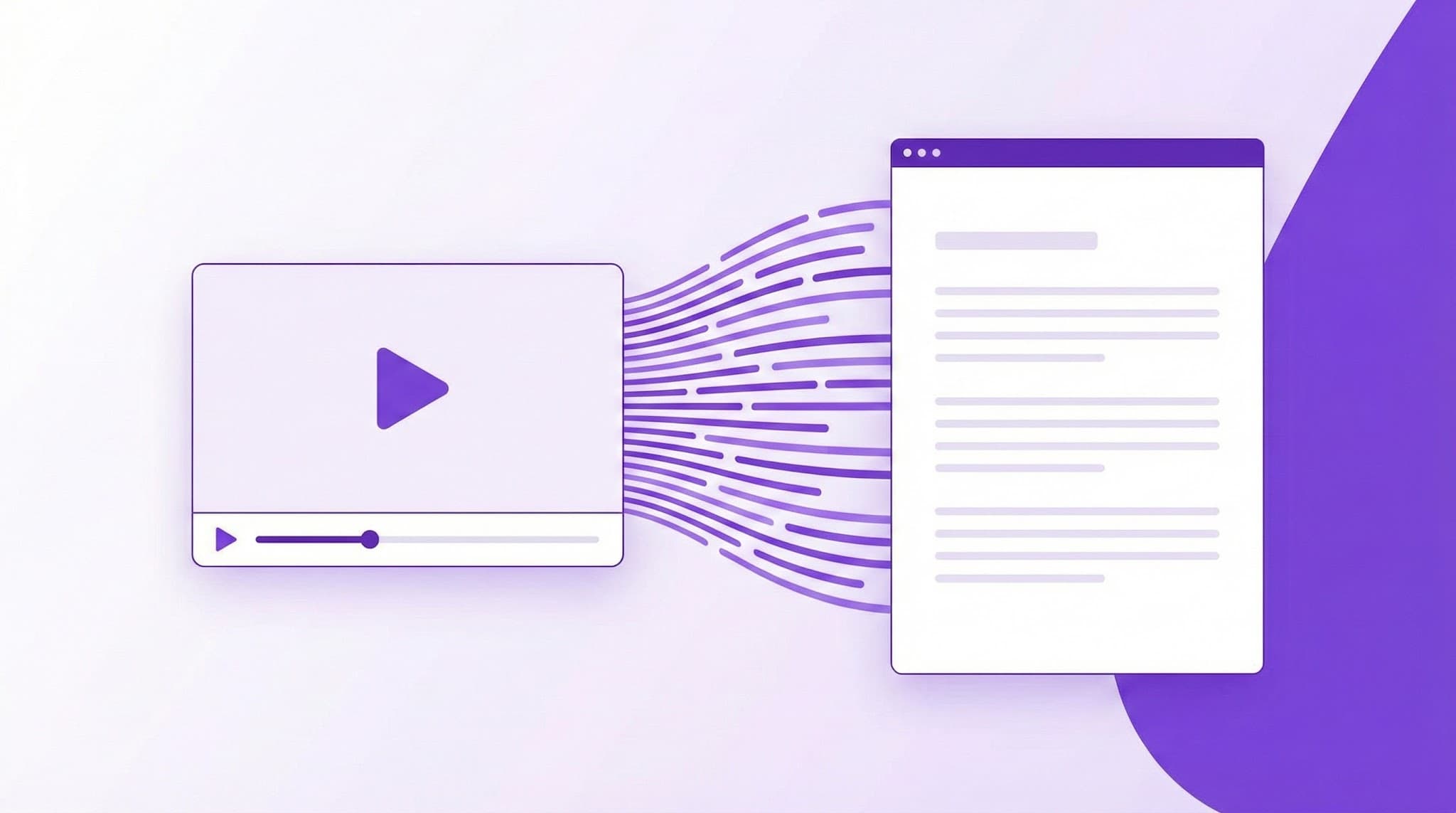
That's exactly why we built the YouTube Transcript Generator by YTScribe—a free tool that extracts complete, formatted transcripts from any YouTube video in under 10 seconds.
What You Can Do with the YouTube Transcript Generator
Our transcript generator pulls the complete spoken content from any YouTube video and gives you instant access to:
- Full searchable text of everything said in the video
- Clickable timestamps that jump to specific moments
- Multiple download formats including SRT and VTT subtitle files for video editing
- 50+ language options via our multi-language transcript support
- AI-powered punctuation that transforms messy auto-captions into readable, formatted text
Whether you're a student taking notes, a content creator repurposing videos, or a researcher building a searchable archive—this tool eliminates hours of manual work.
Why YouTube Transcripts Matter: The Data
The case for transcripts goes beyond convenience:
| Benefit | Impact | |---------|--------| | SEO boost for video content | Videos with transcripts see 16% higher revenue (Liveclicker study) | | Accessibility compliance | 466 million people worldwide have disabling hearing loss (WHO) | | Learning retention | Multimodal learning (text + video) improves retention by 38% | | Content repurposing | One 10-minute video transcript yields 1,500+ words of content |
For creators, transcripts unlock your video content for search engines. For learners, they enable the kind of active reading that passive video watching simply can't match.
Key Features That Set YTScribe Apart
Instant Extraction (Under 10 Seconds)
Paste any YouTube URL and get the complete transcript almost immediately. Our system processes hour-long podcasts just as efficiently as 2-minute clips.
Unlike tools that require account creation or payment upfront, you can start extracting transcripts right now—no signup required.
50+ Languages with One-Click Switching
Access transcripts in over 50 languages through our multi-language support. Switch between:
- Manual captions (uploaded by creators—highest accuracy)
- Auto-generated captions (YouTube's AI—available for most videos)
- Auto-translated versions (machine translation to your preferred language)
Export in Any Format You Need
Download transcripts as:
- TXT — Clean text for documents, notes, or content repurposing
- SRT — Industry-standard subtitle format for video editing software
- VTT — WebVTT format for web players and LMS platforms
Need subtitle files specifically? Our subtitle downloader is purpose-built for that workflow.
Search Within Any Transcript
Looking for when a specific topic was mentioned in a 2-hour podcast? Use our transcript search feature to find exact moments instantly. Click any result to jump directly to that timestamp in the video.
AI Punctuation for Readable Output
YouTube's auto-captions are notorious for lacking punctuation and proper formatting. Our AI punctuation feature transforms this:
so today were going to talk about machine learning and why its important for the future of technology first lets discuss
Into this:
So today, we're going to talk about machine learning and why it's important for the future of technology.

First, let's discuss...
The difference isn't cosmetic—it's the difference between a usable transcript and a block of text nobody wants to read.
How to Get YouTube Transcripts in 3 Steps
- Copy the YouTube URL — Find any video you want to transcribe
- Paste into YTScribe — Enter the URL in our search bar
- View, search, copy, or download — Your transcript appears in seconds
That's it. No account creation, no payment wall, no friction.
Who Uses YouTube Transcript Generators (And How)
Students & Educators
- Convert lecture videos into searchable study notes
- Create study guides with the video summarizer for quick reviews
- Test comprehension with our AI quiz generator
- Access foreign language content via translated transcripts
Pro tip: Combine transcripts with our word counter to estimate reading time and content density before diving in.
Content Creators & Marketers
- Repurpose YouTube videos into blog posts, newsletters, and social content
- Generate auto-chapters and timestamps for better video navigation
- Analyze competitor videos by reading instead of watching
- Create accessible content that reaches wider audiences
Researchers & Journalists
- Build searchable archives of video content for qualitative analysis
- Pull accurate quotes with timestamps for citations
- Analyze video performance metrics alongside transcript content
- Verify claims by searching exact quotes
Accessibility Advocates
- Provide transcripts for deaf and hard-of-hearing community members
- Make video content available in text format for screen readers
- Enable translation to additional languages for international accessibility
YTScribe vs. Other Transcript Tools
| Feature | YTScribe | Typical Competitor | |---------|----------|-------------------| | Price | Free tier available | $10-50/month minimum | | Languages | 50+ | Often English-only | | AI Punctuation | ✓ Included | ✗ or premium add-on | | Signup Required | No | Yes | | Chrome Extension | ✓ Free | Limited or paid | | Video Summarization | ✓ AI-powered | ✗ | | Transcript Search | ✓ Built-in | ✗ |
YTScribe vs. Alternatives: How We Compare
Wondering how YTScribe stacks up against other YouTube transcript tools? Here's an honest comparison:
YTScribe vs. YouTube's Built-in Transcript
| Factor | YTScribe | YouTube Native | |--------|----------|----------------| | Download option | ✓ TXT, SRT, VTT | ✗ None | | Search within transcript | ✓ | ✗ | | AI punctuation | ✓ | ✗ | | Copy full transcript | ✓ One-click | Manual selection only | | Multi-language switching | ✓ Instant | Clunky |
YTScribe vs. Otter.ai
| Factor | YTScribe | Otter.ai | |--------|----------|----------| | YouTube support | ✓ Native | Requires upload | | Free tier | ✓ Generous | Limited minutes | | Real-time transcription | ✗ | ✓ | | Best for | YouTube videos | Live meetings |
YTScribe vs. Descript
| Factor | YTScribe | Descript | |--------|----------|----------| | Price | Free tier available | $12+/month | | YouTube integration | ✓ Direct URL | Requires download | | Video editing | ✗ | ✓ | | Best for | Quick transcripts | Full video editing |
Bottom line: YTScribe is purpose-built for YouTube. If you need transcripts from YouTube videos specifically, we're faster and easier than general-purpose tools.
People Also Ask
How do I get a transcript of a YouTube video for free?
The easiest way is to use YTScribe's free transcript generator. Simply paste the YouTube URL, and you'll get the complete transcript in seconds. You can view it online, copy to clipboard, or download in TXT, SRT, or VTT format—all without creating an account.
Does YouTube automatically generate transcripts?
Yes. YouTube uses AI speech recognition to auto-generate captions for most videos. However, these auto-captions often lack punctuation and formatting. YTScribe's AI punctuation feature can transform these raw captions into readable, properly formatted text.
Can I get a transcript of a YouTube video on my phone?
Yes. YTScribe works on mobile browsers. Visit ytscribe.com on your phone, paste the YouTube URL, and access the transcript. For desktop users, our Chrome extension provides even faster access directly on YouTube.
How do I convert YouTube to text for free?
Use YTScribe's YouTube to text converter: paste any YouTube URL, and the full spoken content is extracted as text. Download as TXT for plain text, or SRT/VTT for subtitle files with timestamps. The basic service is completely free.
Are YouTube auto-captions accurate?
YouTube's auto-generated captions are typically 80-95% accurate, depending on audio quality, background noise, and speaker accents. For higher accuracy, look for videos with manual captions (uploaded by creators). Our tool shows you which type of captions are available.
Updated for 2026: What's New
YouTube's caption system and our transcript generator continue to evolve. Here's what's current in 2026:
- Improved auto-caption accuracy: YouTube's AI has significantly improved, especially for English, Spanish, and Portuguese
- Faster processing: Our transcript extraction now completes in under 5 seconds for most videos
- Enhanced AI punctuation: Our formatting AI now handles technical content and multiple speakers better
- 50+ languages: Full support for all YouTube caption languages including newer additions
Start Extracting Transcripts Now
Every minute you spend manually transcribing is a minute you could spend actually using that content.
YTScribe's transcript generator works on any YouTube video, in 50+ languages, with professional formatting—and you can start using it right now without creating an account.
Ready to go? Paste any YouTube URL above and get your transcript in seconds.
Want more than just the transcript? Try our video summarizer for AI-generated key takeaways, or chat with the video to ask questions about the content.
Related Keywords:
Ready to Try YTScribe?
Get started with free YouTube transcripts today. No credit card required.

Ced Yarish
Founder & DeveloperCreator of YTScribe with 1,000+ hours of YouTube watched and hundreds of videos personally transcribed. Full-stack developer passionate about making video content accessible and searchable. Building tools that help creators, students, and professionals unlock the value hidden in video content.


