AI Punctuation for YouTube Transcripts: Transform Auto-Captions
Convert raw YouTube auto-captions into perfectly punctuated, readable text using AI technology.

Ced Yarish
Founder · 1,000+ hrs YouTube

Key Takeaways
(TL;DR)- Transform messy auto-captions into perfectly punctuated text
- AI adds periods, commas, question marks, and capitalization
- Converts one block of text into readable paragraphs
- Essential for repurposing video content into articles
- Makes transcripts professional and publication-ready
YouTube's auto-generated captions are a miracle of speech recognition. They're also completely unpublishable.
No periods. No commas. No question marks. No paragraph breaks. Just one continuous stream of lowercase text that technically captures the words but is practically unreadable.
If you've ever tried to repurpose a YouTube video into a blog post, email, or document, you know the pain: spending 30+ minutes manually adding punctuation to a transcript that YouTube gave you for free.
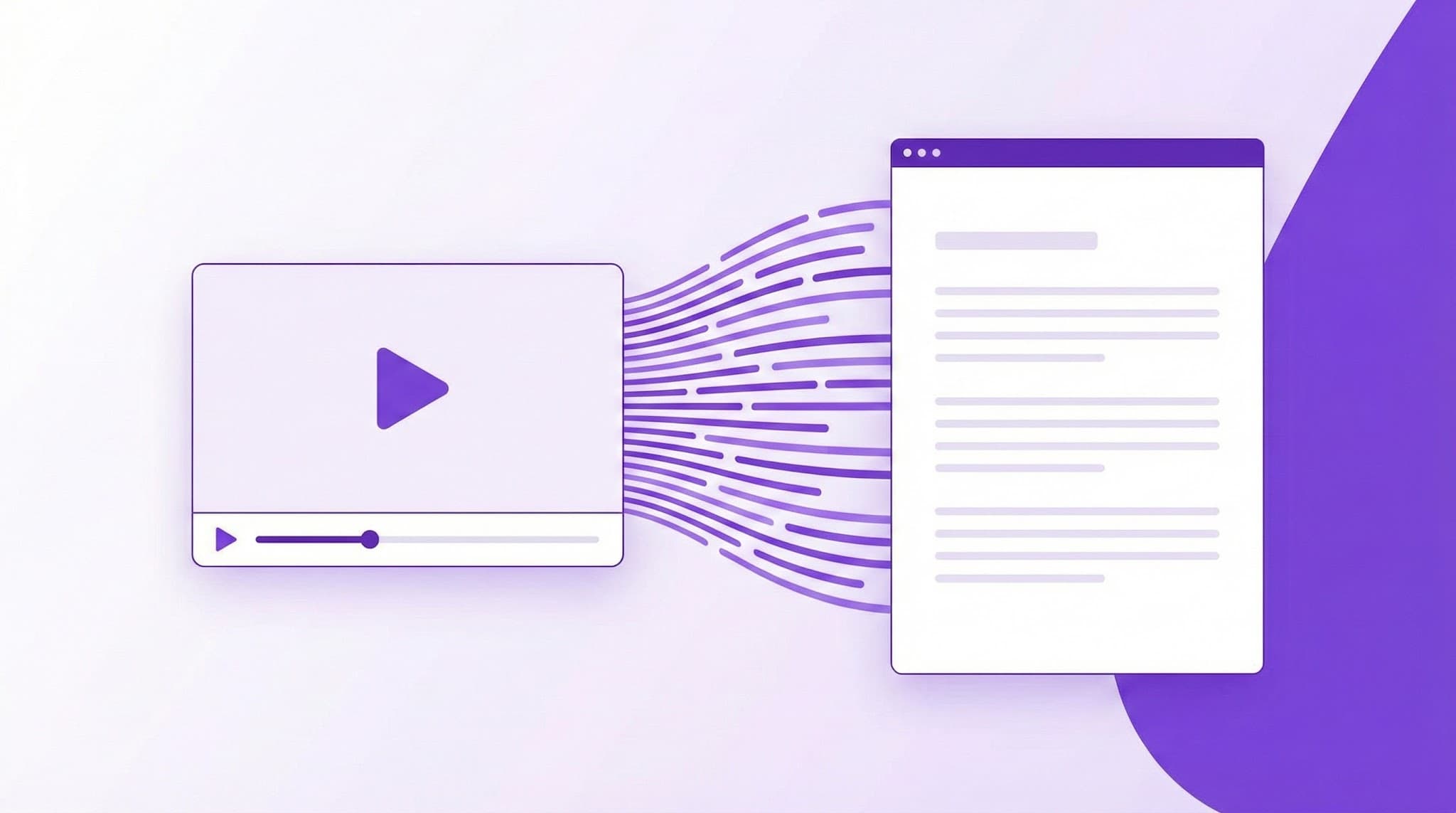
AI Punctuation by YTScribe solves this completely. Our AI reads the raw auto-caption text and transforms it into properly punctuated, paragraph-formatted, publication-ready content—in seconds.
The Problem with Auto-Captions
YouTube's speech recognition transcribes words with impressive accuracy. But it outputs them like this:
so today were going to talk about three strategies for growing your business the first strategy is something i call the minimum viable audience and what that means is instead of trying to reach everyone you focus on a very specific group of people who have a specific problem that you can solve
❌ What's Missing:
- Punctuation — No periods, commas, or question marks
- Capitalization — Everything lowercase
- Paragraphs — One unbroken wall of text
- Sentence structure — Impossible to skim
- Readability — Exhausting to read
This is fine for captions synced to video (viewers read small chunks). It's useless for any other purpose.
The AI Punctuation Solution
Our AI reads the same raw text and produces:
So today, we're going to talk about three strategies for growing your business.

The first strategy is something I call the "minimum viable audience." What that means is instead of trying to reach everyone, you focus on a very specific group of people who have a specific problem that you can solve.
✅ What You Get:
- Proper sentences — Periods where sentences end
- Natural commas — For lists, pauses, and clauses
- Question marks — Correctly identified questions
- Capitalization — Sentence starts and proper nouns
- Paragraphs — Logical content groupings
- Readability — Skimmable, professional text
The transformation takes seconds, not hours.
YTScribe vs. Alternatives for Punctuation (2026)
| Feature | YTScribe AI | ChatGPT/Claude | Rev.com | Manual Editing | |---------|-------------|----------------|---------|----------------| | Speed | Instant | Copy/paste required | Hours | 30-60 min/video | | Caption-trained AI | ✅ | ❌ | ✅ | N/A | | Video integration | ✅ | ❌ | ❌ | ❌ | | Cost | Free tier | Free/Subscription | $1+/min | Your time | | Speaker detection | Pro | Manual | ✅ | Manual | | Batch processing | Pro | No | Yes | No |
Why YTScribe wins: Purpose-built for YouTube transcripts with seamless pipeline integration.
How AI Punctuation Works
Step 1: Transcript Extraction
We pull the raw auto-caption text from any YouTube video via our transcript generator.
Step 2: Linguistic Analysis
The AI analyzes:
- Sentence boundaries — Where do thoughts end?
- Clause structure — Where should commas go?
- Question patterns — What's being asked?
- Topic shifts — Where should paragraphs break?
Step 3: Intelligent Formatting
The output includes:
- Full punctuation (periods, commas, question marks, exclamation points)
- Proper capitalization (sentences, proper nouns, acronyms)
- Paragraph breaks (logical content groupings)
- Quote formatting (when speakers quote or reference)
Step 4: Quality Verification
Each sentence is checked for:
- Complete structure
- Natural flow
- Consistent formatting
Before & After Examples
📚 Educational Content
Before (Auto-Caption):
machine learning is a subset of artificial intelligence that allows systems to learn from data without being explicitly programmed there are three main types supervised learning unsupervised learning and reinforcement learning
After (AI Punctuated):
Machine learning is a subset of artificial intelligence that allows systems to learn from data without being explicitly programmed.

There are three main types: supervised learning, unsupervised learning, and reinforcement learning.
🎙️ Interview Content
Before:
yeah so when i first started the company i had no idea what i was doing honestly i just knew i wanted to solve this problem and figure it out as i went which sounds crazy but thats kind of how entrepreneurship works right
After:
Yeah, so when I first started the company, I had no idea what I was doing—honestly. I just knew I wanted to solve this problem and figure it out as I went.

Which sounds crazy, but that's kind of how entrepreneurship works, right?
📖 Tutorial Content
Before:
step one is to open your terminal and type npm init this creates a new package json file step two is to install the dependencies youll need for this project run npm install express mongoose and dotenv
After:
Step one is to open your terminal and type `npm init`. This creates a new package.json file.

Step two is to install the dependencies you'll need for this project. Run `npm install express mongoose dotenv`.
Who Needs AI Punctuation
✍️ Content Creators & Repurposers
The scenario: You want to turn a YouTube video into a blog post, newsletter, or article.
Without AI punctuation:
- Watch video while manually transcribing
- Or spend 30-60 minutes adding punctuation to auto-captions
- Or pay a transcription service $1-2 per minute
With AI punctuation:
- Get the raw transcript
- Apply AI punctuation (30 seconds)
- Edit and publish
Time saved: 30-60 minutes per video.
📚 Students & Researchers
The scenario: You need to quote or reference a YouTube video in your work.
The problem: Unpunctuated transcript makes it impossible to:
- Identify sentence boundaries
- Pull clean quotes
- Read and analyze content
The solution: AI punctuation gives you publication-ready text you can cite, quote, and analyze.
♿ Accessibility Teams
The scenario: You need proper transcripts for accessibility compliance.
The standard: WCAG 2.1 recommends captions include "equivalent text" with proper punctuation for readability.
The solution: Transform auto-captions into accessible, properly formatted transcripts.
📧 Meeting & Documentation Teams
The scenario: Recorded meetings, webinars, or video messages need to be documented.
The workflow:
- Record and upload to YouTube (or use existing recording)
- Extract transcript
- Apply AI punctuation
- Share readable meeting notes
🌍 Translators & Localization Teams
The scenario: You need to translate video content—but raw transcripts without punctuation are nearly impossible to work with.
The solution: Punctuated, properly formatted source text for accurate translation.
People Also Ask
How do I add punctuation to a YouTube transcript?
Use YTScribe's AI punctuation tool. Paste your YouTube URL, extract the transcript, then click "Apply AI Punctuation" to automatically add periods, commas, question marks, and paragraph breaks. The entire process takes under 30 seconds.
Why don't YouTube auto-captions have punctuation?
YouTube's speech recognition focuses on word accuracy, not sentence structure. Adding punctuation requires understanding context, sentence boundaries, and linguistic patterns—which requires additional AI processing that YouTube doesn't apply to auto-generated captions.
Can I punctuate transcripts in bulk?
Pro users can batch process multiple transcripts at once. Upload a list of YouTube URLs, and our system will extract and punctuate all transcripts automatically.
Is AI punctuation accurate enough for publishing?
For most content, yes—our AI achieves 90-95% accuracy. We recommend a quick review before publishing, especially for technical content or videos with multiple speakers.
Punctuation Features
📝 Sentence Detection
The AI identifies sentence boundaries even without pauses:
- Declarative statements → periods
- Questions → question marks
- Exclamations → exclamation points
✏️ Comma Placement
Natural comma insertion for:
- Lists ("apples, oranges, and bananas")
- Introductory phrases ("First of all, ...")
- Dependent clauses ("If you want results, ...")
- Parenthetical elements ("The CEO, who founded the company, ...")
❓ Question Recognition
Questions are identified by:
- Interrogative words (who, what, when, where, why, how)
- Inverted sentence structure
- Rising intonation patterns
📄 Paragraph Formatting
Paragraphs break at:
- Major topic shifts
- Speaker transitions
- Logical content boundaries
- Optimal reading length
🔤 Smart Capitalization
Correct capitalization for:
- Sentence beginnings
- Proper nouns (names, places, companies)
- Acronyms (AI, SEO, API)
- Titles and headings
Quality & Accuracy
📊 What Affects Quality
| Factor | Impact on Punctuation | |--------|----------------------| | Clear audio | Best results | | Single speaker | Easier to process | | Professional presentation | Higher accuracy | | Casual conversation | Good, with some nuance missed | | Multiple speakers | May need minor edits | | Heavy accents | Depends on caption quality |
⚠️ When to Edit Manually
AI punctuation is 90-95% accurate. You may need to adjust:
- Speaker attribution in conversations
- Technical terminology
- Unusual sentence structures
- Stylistic preferences
Updated for 2026: What's New
Our AI punctuation engine has been significantly upgraded for 2026:
- Improved accuracy — Now 90-95% accurate (up from 85%)
- Faster processing — 3x faster than 2025
- Better speaker handling — Improved multi-speaker detection
- New language support — Added 10 more languages
- Enhanced paragraph logic — Smarter topic-based breaks
Integration with YTScribe Tools
Content Repurposing Workflow
- Transcript Generator — Get the raw text
- AI Punctuation — Format for readability
- Video Summarizer — Extract key points
- Edit and publish
Subtitle Enhancement Workflow
- Subtitle Downloader — Get the SRT/VTT file
- AI Punctuation — Clean up the text
- Re-upload to video with improved captions
Research Workflow
- Transcript Generator — Get source text
- AI Punctuation — Make it readable
- Transcript Search — Find specific quotes
- Cite with confidence
Free vs. Pro
| Feature | Free | Pro | |---------|------|-----| | Videos per day | 3 | Unlimited | | Video length | 15 minutes | Unlimited | | Paragraph formatting | ✓ | ✓ | | Sentence punctuation | ✓ | ✓ | | Speaker detection | ✗ | ✓ | | Batch processing | ✗ | ✓ | | Export formats | TXT | TXT, DOCX, PDF |
Frequently Asked Questions
How accurate is the AI punctuation? Typically 90-95% accuracy. The AI handles standard content well; unusual speech patterns or heavy accents may need minor edits.
Does it work with non-English videos? Yes. We support punctuation for major languages including Spanish, French, German, Portuguese, and more. Use our multi-language support to access international content.
Can I use this for official transcripts? AI punctuation is a starting point, not a certified transcript. For legal or official purposes, we recommend professional review.
What about speaker identification? Pro users get speaker detection that identifies different voices. Free users get punctuation without speaker labels.
Does it preserve timestamps? The punctuated output is text-only. If you need timestamps, use our transcript generator for timestamped output, then punctuate.
How is this different from just using ChatGPT? Our AI is specifically trained for caption formatting. It handles video-specific patterns (um, uh, incomplete thoughts) better than general-purpose AI, and integrates seamlessly with our transcript pipeline.
Beyond Punctuation: Complete Transcript Toolkit
AI punctuation is one step in professional transcript work:
- Transcript Generator — Get the source text
- Multi-Language Support — Access any language
- Subtitle Downloader — Get caption files
- Video Summarizer — Extract key points
- Chrome Extension — Access tools on YouTube
Start Punctuating Now
Every minute you spend manually adding punctuation to transcripts is a minute wasted. Every unpunctuated transcript is content you can't use professionally.
YTScribe's AI punctuation transforms raw auto-captions into properly formatted, publication-ready text—in seconds.
Ready? Get your transcript, apply AI punctuation, and start using your content.
Need the transcript first? Use our transcript generator to extract it from any YouTube video.
Related Keywords:
Ready to Try YTScribe?
Get started with free YouTube transcripts today. No credit card required.

Ced Yarish
Founder & DeveloperCreator of YTScribe with 1,000+ hours of YouTube watched and hundreds of videos personally transcribed. Full-stack developer passionate about making video content accessible and searchable. Building tools that help creators, students, and professionals unlock the value hidden in video content.