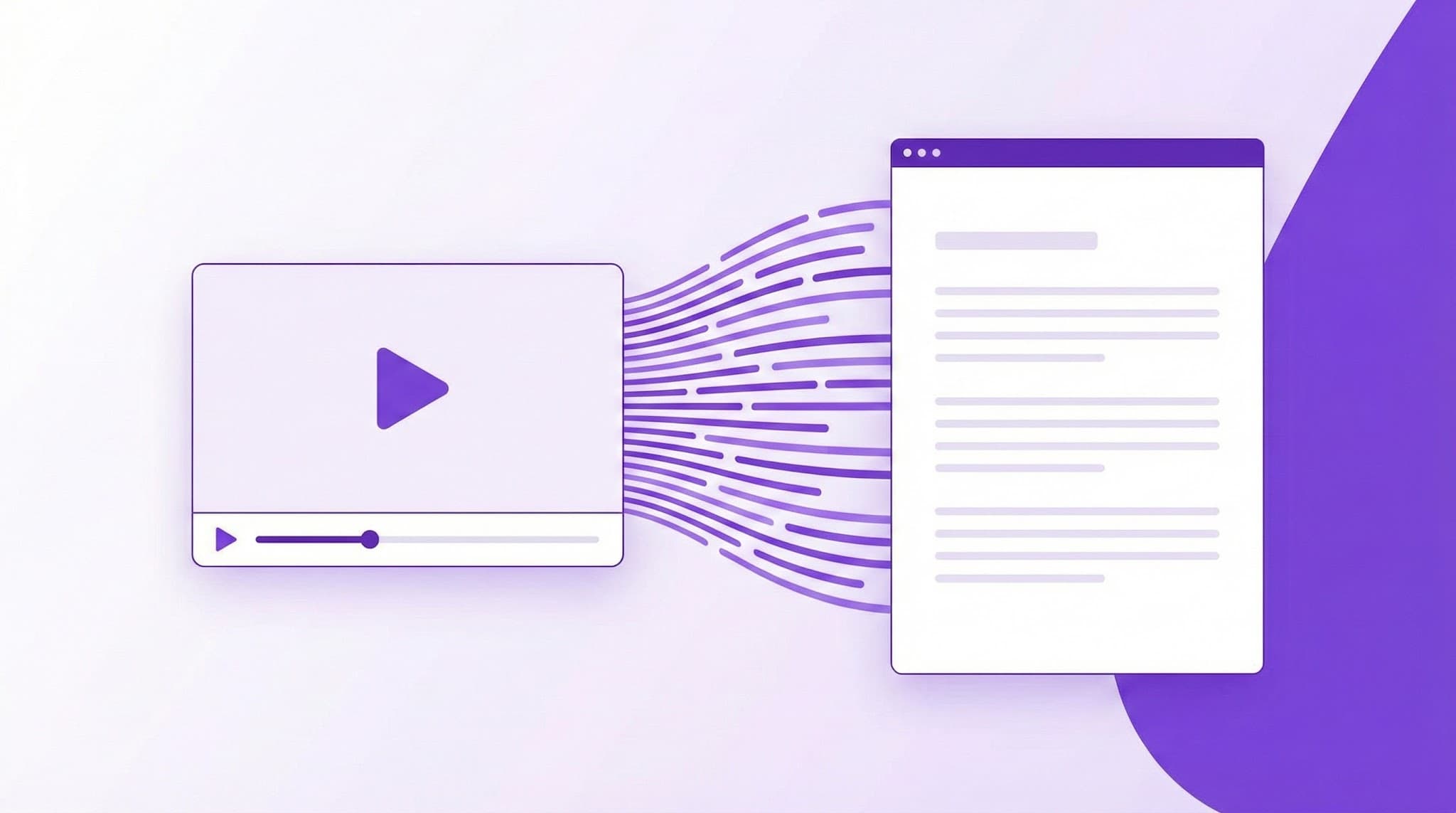
YouTube Subtitle Downloader: Download Captions in SRT, VTT, TXT
Download YouTube subtitles and captions in multiple formats. Free subtitle extraction with language selection.

Ced Yarish
Founder · 1,000+ hrs YouTube

Key Takeaways
(TL;DR)- Download subtitles in SRT, VTT, or TXT format from any YouTube video
- Choose from 50+ languages including auto-generated and manual captions
- SRT format works with all major video editing software
- Perfect for video editors, language learners, and accessibility needs
- 100% free with no signup required
Video editors spend an average of 2-3 hours manually creating subtitles for a 10-minute video. Language learners pause and rewind constantly trying to catch dialogue. Content creators copy-paste captions line by line from YouTube's clunky interface.
There's a better way.
The YouTube Subtitle Downloader by YTScribe extracts captions from any YouTube video and delivers them as ready-to-use subtitle files—SRT, VTT, or plain text—in under 30 seconds.
Why Downloading YouTube Subtitles Matters
The demand for subtitles has never been higher:
| Statistic | Source | |-----------|--------| | 85% of Facebook videos are watched without sound | Digiday | | 80% of viewers are more likely to finish a video with captions | Verizon Media | | Subtitled videos see 40% more views on average | PLYMedia | | 1.5 billion people globally are learning a foreign language | Duolingo |
Whether you're adding captions to your own content, learning a new language, or making videos accessible—having subtitle files ready to use is essential.
Supported Download Formats
SRT (SubRip Subtitle) — The Universal Standard
SRT is the most widely supported subtitle format in the industry. Your downloaded SRT files work with:
Video Editing Software:
- Adobe Premiere Pro
- Final Cut Pro
- DaVinci Resolve
- CapCut
- iMovie
Media Players:
- VLC Media Player
- Windows Media Player
- QuickTime
Social Platforms:
- YouTube (re-upload)
- TikTok (via editing apps)
When in doubt, choose SRT. It's the format that works everywhere.
VTT (WebVTT) — Built for the Web
WebVTT is the HTML5 standard for web-based video players:
- Online course platforms (Teachable, Thinkific, Kajabi)
- Learning management systems (Canvas, Moodle, Blackboard)
- Custom web video players
- Progressive web apps
VTT also supports advanced styling options that SRT doesn't—text positioning, colors, and fonts—making it ideal for polished web presentations.
TXT (Plain Text) — Maximum Flexibility
Sometimes you just need the words. Plain text format gives you:
- Clean transcript for content repurposing
- Easy copy-paste for blog posts or articles
- Searchable text for research and analysis
- Foundation for AI-powered summaries
Want the transcript with proper punctuation and paragraphs? Pair the TXT download with our AI punctuation tool for publication-ready text.
How to Download YouTube Subtitles (Step-by-Step)
- Copy the YouTube URL — Find the video you need subtitles from
- Paste into YTScribe — Enter the URL in our subtitle downloader
- Select your language — Choose from available caption tracks (we support 50+ languages)
- Pick your format — SRT, VTT, or TXT
- Download instantly — Your subtitle file is ready in seconds
No account required. No payment wall. No friction.
Understanding YouTube Caption Types
Not all subtitles are created equal. Here's what you'll encounter:
Manual Captions (Highest Quality)
- Uploaded by video creators or professional transcribers
- 95-99% accuracy
- Often include speaker labels and sound descriptions
- Available on professionally produced content
Auto-Generated Captions (Good Quality)
- Created by YouTube's speech recognition AI
- 80-95% accuracy depending on audio quality, accents, and background noise
- Available on most videos by default
- May lack punctuation—fix this with our AI punctuation feature
Auto-Translated Captions (Useful for Understanding)
- Machine translation of existing captions
- Quality varies by language pair
- Great for getting the gist of foreign content
- Not recommended for professional use without review
Pro tip: YTScribe shows you which caption type you're downloading so you know exactly what quality to expect.
Real-World Use Cases
For Video Editors & Creators
The scenario: You're editing a video and need burned-in captions for social media, where 85% of videos play on mute.
The workflow:
- Download the SRT file from the original video
- Import directly into Premiere Pro, Final Cut, or DaVinci Resolve
- The software auto-syncs captions to your timeline
- Style and export
Time saved: 2-3 hours of manual transcription per 10-minute video.
Want to also add chapter markers? Generate auto-timestamps from the same transcript.
For Language Learners
The scenario: You're learning Spanish by watching Spanish YouTube videos, but the dialogue moves too fast to catch.
The workflow:
- Download subtitles in your target language
- Follow along with the text while watching
- Pause to look up unfamiliar vocabulary
- Download the English translation for comparison
Why it works: Research shows combining audio with text (multimodal learning) improves vocabulary retention by 38%.
Access subtitles in any language YouTube offers through our multi-language support.
For Accessibility Compliance
The scenario: Your organization needs to make video content accessible to deaf and hard-of-hearing employees or customers.
The workflow:
- Download existing captions from YouTube
- Review and correct any auto-caption errors
- Add captions to internal video players or LMS
- Document compliance with accessibility standards
The stakes: ADA, Section 508, and WCAG 2.1 all require video content to be accessible. Failing to comply can result in lawsuits—Harvard and MIT settled caption-related accessibility cases for undisclosed amounts.
For Content Repurposing
The scenario: You want to turn YouTube videos into blog posts, newsletter content, or social media threads.
The workflow:
- Download the TXT transcript
- Run through AI punctuation for readable formatting
- Use the video summarizer to extract key points
- Repurpose into your target format
Content multiplier: One 20-minute video transcript yields 3,000+ words of source material for blogs, social posts, and newsletters.
YTScribe vs. Manual Captioning
| Factor | YTScribe Download | Manual Transcription | |--------|------------------|---------------------| | Time per 10-min video | 30 seconds | 2-3 hours | | Cost | Free | $1-3 per minute (professional) | | Languages | 50+ available | Requires multilingual transcribers | | Format options | SRT, VTT, TXT | Depends on transcriber | | Accuracy | Depends on source | Depends on transcriber |
Frequently Asked Questions
Can I download auto-generated subtitles? Yes. You can download any caption track available on a YouTube video—manual, auto-generated, or auto-translated.
What if a video doesn't have subtitles? If a video has no caption tracks available (creator disabled them), we can't extract what doesn't exist. Most videos have at least auto-generated captions enabled.
Is downloading subtitles legal? Downloading subtitles for personal use, education, accessibility, or transformative content creation is generally acceptable. Always respect copyright for commercial use.
Can I edit the downloaded subtitles? Absolutely. SRT and VTT files are plain text—open them in any text editor to make corrections, adjust timing, or add styling.
Do you support playlist downloads? Pro users can batch-download subtitles from multiple videos. Free users can download one video at a time.
What about videos in other languages? We support every language YouTube offers—over 50 languages. See our complete multi-language transcript guide.
Beyond Subtitles: What Else Can You Do?
Downloading subtitles is just the start. YTScribe gives you a complete toolkit for working with YouTube content:
- Transcript Generator — Get full transcripts with timestamps
- AI Punctuation — Transform raw captions into readable text
- Video Summarizer — Extract key points and summaries
- Timestamp Generator — Create chapter markers automatically
- Transcript Search — Find specific moments in any video
- Chrome Extension — Access everything directly on YouTube
Start Downloading Subtitles Now
Stop wasting hours on manual transcription. Stop struggling with YouTube's clunky caption interface. Stop leaving accessibility as an afterthought.
YTScribe's subtitle downloader gives you SRT, VTT, or TXT files from any YouTube video in 50+ languages—completely free.
Ready? Paste a YouTube URL above and download your subtitle file in seconds.
Related Keywords:
Ready to Try YTScribe?
Get started with free YouTube transcripts today. No credit card required.

Ced Yarish
Founder & DeveloperCreator of YTScribe with 1,000+ hours of YouTube watched and hundreds of videos personally transcribed. Full-stack developer passionate about making video content accessible and searchable. Building tools that help creators, students, and professionals unlock the value hidden in video content.