YouTube Quiz Generator: AI-Powered Questions from Any Video
Generate quiz questions from YouTube videos using AI. Perfect for studying, teaching, and testing comprehension.

Ced Yarish
Founder · 1,000+ hrs YouTube

Key Takeaways
(TL;DR)- Generate multiple choice, true/false, and open-ended questions from any video
- AI analyzes transcript to create relevant comprehension questions
- Testing effect: quizzes improve long-term retention by 50%
- Perfect for teachers, students, and corporate training
- Active recall strengthens memory more than passive review
You watched the video. You understood it in the moment. Three days later? Most of it's gone.
This isn't a memory problem—it's a learning methodology problem. Research consistently shows that passive watching leads to rapid forgetting, while active testing drives long-term retention.
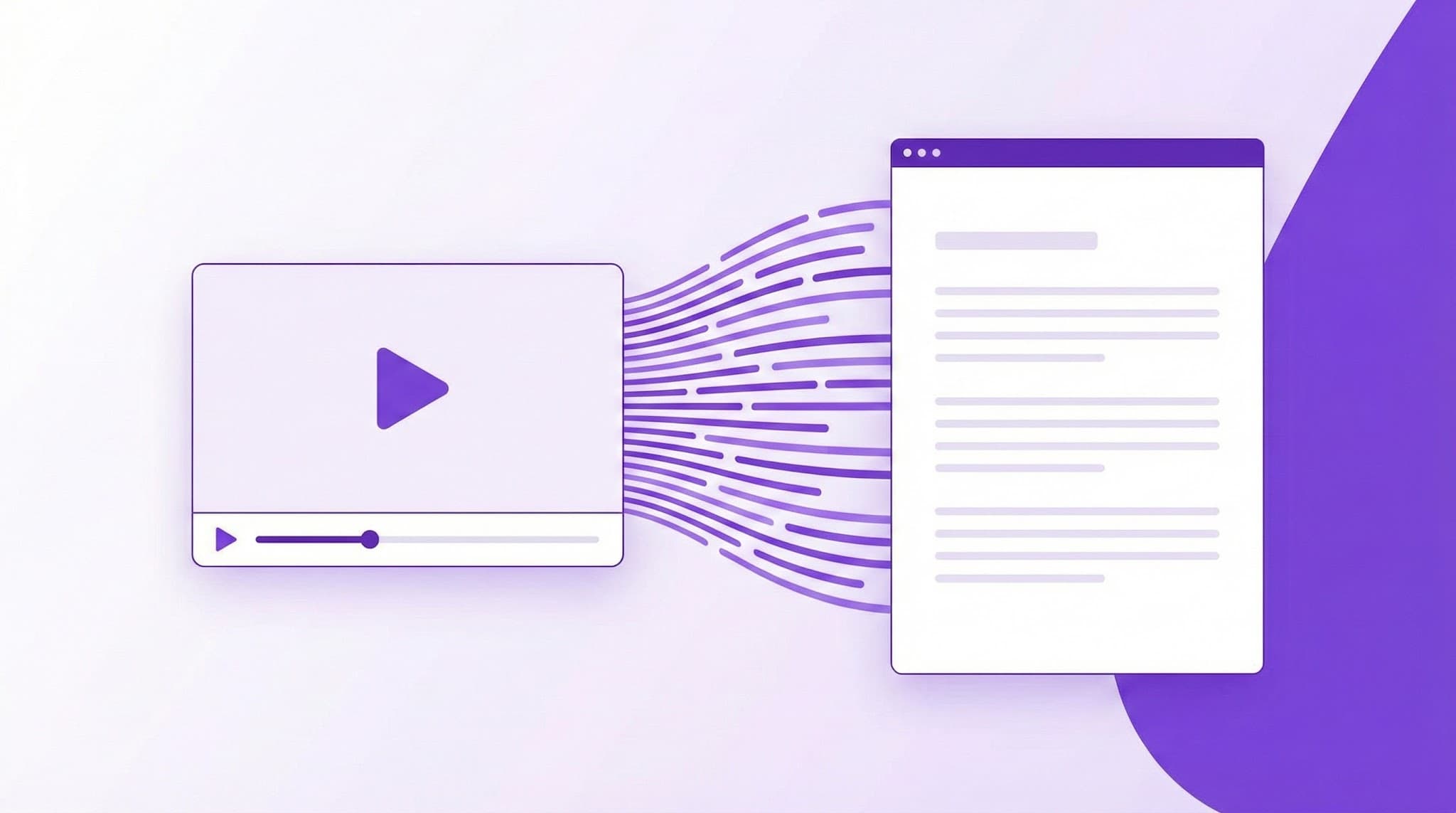
The YouTube Quiz Generator by YTScribe transforms any video into an interactive learning experience. Our AI reads the transcript, identifies key concepts, and generates quiz questions that actually help you remember.
The Science: Why Quizzes Work
🧠 The Testing Effect
Cognitive psychology has established that retrieving information strengthens memory more than reviewing it:
| Learning Method | Retention After 1 Week | |----------------|----------------------| | Passive watching | 20-30% | | Watching + notes | 40-50% | | Watching + self-testing | 60-70% | | Watching + spaced testing | 80%+ |
The key insight: The effort of recalling information—even if you get it wrong—strengthens neural pathways more than passive review.
🔄 Active Recall
When you take a quiz, your brain:
- Receives a cue (the question)
- Searches memory for relevant information
- Reconstructs the answer
- Strengthens the memory trace
Each retrieval makes future retrieval easier. Passive reviewing skips step 2 and 3—which is where the learning actually happens.
📊 Spaced Repetition
Quizzes also enable spaced practice:
- Identify what you forgot
- Focus review on weak areas
- Test again at increasing intervals
This is the foundation of every effective learning system from language apps to medical education.
Question Types Generated
✅ Multiple Choice
Classic format with one correct answer:
Q: According to the video, what is the primary advantage of serverless architecture?
A) Lower development costs B) Automatic scaling based on demand ✓ C) Better security by default D) Faster execution speeds
Best for: Testing factual recall and distinguishing between similar concepts.
✅ True/False
Statement verification:
Q: The speaker states that machine learning models always require large datasets to be effective.
❌ False (The video explains that transfer learning can work with smaller datasets)
Best for: Testing understanding of claims and catching common misconceptions.
✅ Open-Ended
Discussion and explanation:
Q: Explain the three-step process for optimizing database queries described in the video.
Best for: Testing deep understanding and ability to synthesize information.
✅ Fill-in-the-Blank
Complete the statement:
Q: The speaker explains that React's virtual DOM improves performance by _______.
Best for: Testing precise terminology and specific details.
How the AI Generates Quality Questions
Step 1: Transcript Analysis
We extract the complete video transcript, including any multi-language captions available.
Step 2: Concept Identification
The AI identifies:
- Key definitions — What terms are explained?
- Main arguments — What claims are made?
- Supporting evidence — What data or examples are provided?
- Cause/effect relationships — What connections are drawn?
- Sequences and processes — What steps are described?
Step 3: Question Generation
For each identified concept, appropriate question types are selected:
- Facts → Multiple choice or true/false
- Processes → Sequencing or open-ended
- Relationships → Open-ended or multiple choice
- Applications → Open-ended
Step 4: Answer Verification
Every question includes:
- The correct answer
- An explanation referencing the video
- The timestamp where the answer appears
Who Uses Video Quizzes (And How)
🎓 Students
The challenge: Lecture recordings are everywhere, but passive watching doesn't prepare you for exams.
The workflow:
- Watch the lecture video
- Generate a quiz
- Take the quiz immediately after
- Review missed questions
- Retake 24 hours later
Study science: This approach—known as "test-enhanced learning"—consistently outperforms traditional studying in controlled experiments.
Pro tip: Combine with our video summarizer for a quick review before the quiz.
👨🏫 Teachers & Instructors
The challenge: Creating assessments for video content takes hours. Students may not engage with assigned videos.
The workflow:
- Select educational YouTube content
- Generate quiz questions
- Customize as needed
- Assign to students
- Grade or review responses
Engagement boost: Knowing there's a quiz increases attention during viewing.
🏢 Corporate Training
The challenge: Compliance and training videos are mandatory but often ignored. Verification is difficult.
The workflow:
- Select training videos
- Generate comprehension checks
- Require passing scores for completion
- Document compliance
Compliance benefit: Quiz completion provides auditable evidence of training engagement.
📚 Self-Learners
The challenge: Online learning feels productive but often doesn't stick.
The workflow:
- Find educational content on your topic
- Watch with intent to be tested
- Generate and take the quiz
- Track what you're actually learning
Self-assessment: Quizzes reveal the gap between "I understood that" and "I can recall that."
Optimizing Your Learning Workflow
📱 Before Watching
- Generate a video summary to preview content
- Identify key topics to focus on
- Set learning goals
👁️ While Watching
- Watch actively, knowing you'll be tested
- Take light notes on key points
- Use transcript search to revisit confusing parts
✍️ After Watching
- Take the quiz immediately (tests initial comprehension)
- Review answers with timestamps
- Chat with the video to clarify confusion
🔄 Spaced Review
- Retake the quiz 24 hours later
- Focus on previously missed questions
- Retake weekly until mastery
Question Customization Options
📊 Difficulty Levels
- Easy: Direct recall from transcript
- Medium: Application and inference
- Hard: Synthesis and analysis
📝 Question Count
- Quick check: 5 questions
- Standard assessment: 10 questions
- Comprehensive test: 20+ questions
🎯 Topic Focus
- Full video coverage
- Focus on specific sections
- Custom topics you specify
Quiz Export & Integration
📤 Export Formats
- PDF: Print-ready quizzes
- Google Forms: Auto-graded online quizzes
- LMS Compatible: SCORM and xAPI for learning platforms
- Plain Text: Copy-paste anywhere
🔗 LMS Integration (Pro)
Export directly to:
- Canvas
- Moodle
- Blackboard
- Google Classroom
Sample Quiz Output
Video: "Introduction to Machine Learning" (18 minutes)
Question 1 (Multiple Choice):
What distinguishes supervised learning from unsupervised learning?
A) Supervised learning is faster to train B) Supervised learning uses labeled data for training ✓ C) Unsupervised learning requires more computing power D) Unsupervised learning produces more accurate results
Question 2 (True/False):
Neural networks are inspired by biological neurons in the human brain.
✓ True
Explanation: At 3:45, the speaker explains that neural networks were "originally inspired by the way biological neurons process information."
Question 3 (Open-Ended):
The video discusses three common applications of machine learning in healthcare. Describe each and explain their potential impact.
Reference timestamps: 8:15, 10:30, 12:45
Frequently Asked Questions
How long does quiz generation take? Typically under 30 seconds for videos up to 2 hours.
Are the answers accurate? Questions and answers are generated from the transcript and include timestamp references for verification. Accuracy depends on caption quality.
Can I edit the generated questions? Yes. Pro users can modify questions, answers, and explanations before exporting.
What about videos without educational content? The quiz generator works best on informational videos. Entertainment content without clear facts or concepts will produce less useful questions.
Can I generate quizzes in other languages? Yes. We support quiz generation for any language with available video captions.
How do I verify the answers are correct? Each question includes the timestamp where the answer appears. Click to verify in the original video.
Beyond Quizzes: Complete Learning Toolkit
Quizzes are most powerful as part of a comprehensive learning workflow:
- Video Summarizer — Preview content before watching
- Transcript Generator — Get searchable text for study
- Chat with Video — Ask clarifying questions
- Transcript Search — Find specific information
- Chrome Extension — Learn directly on YouTube
Start Generating Quizzes Now
Watching without testing is hoping without learning. Every educational video is an opportunity for active recall—if you have the right tools.
YTScribe's quiz generator creates relevant, accurate questions from any YouTube video in seconds.
Ready? Paste a YouTube URL above and generate your quiz.
Want to dive deeper into the content? Try chatting with the video to ask questions and get explanations on anything you missed.
Related Keywords:
Ready to Try YTScribe?
Get started with free YouTube transcripts today. No credit card required.

Ced Yarish
Founder & DeveloperCreator of YTScribe with 1,000+ hours of YouTube watched and hundreds of videos personally transcribed. Full-stack developer passionate about making video content accessible and searchable. Building tools that help creators, students, and professionals unlock the value hidden in video content.