YouTube Chapters Creator: Build & Edit Video Timestamps
Create and edit YouTube chapters manually. Format timestamps, organize content, and improve video navigation.

Ced Yarish
Founder · 1,000+ hrs YouTube
Key Takeaways
(TL;DR)- Create and edit YouTube chapters with an intuitive visual editor
- First chapter must start at 0:00 with minimum 3 chapters required
- Chapters improve viewer retention and SEO through rich results
- Drag-and-drop reordering for easy chapter organization
- One-click copy formatted chapters for YouTube descriptions
AI can generate timestamps automatically. But sometimes you need manual control—precise timing, specific wording, custom structure.
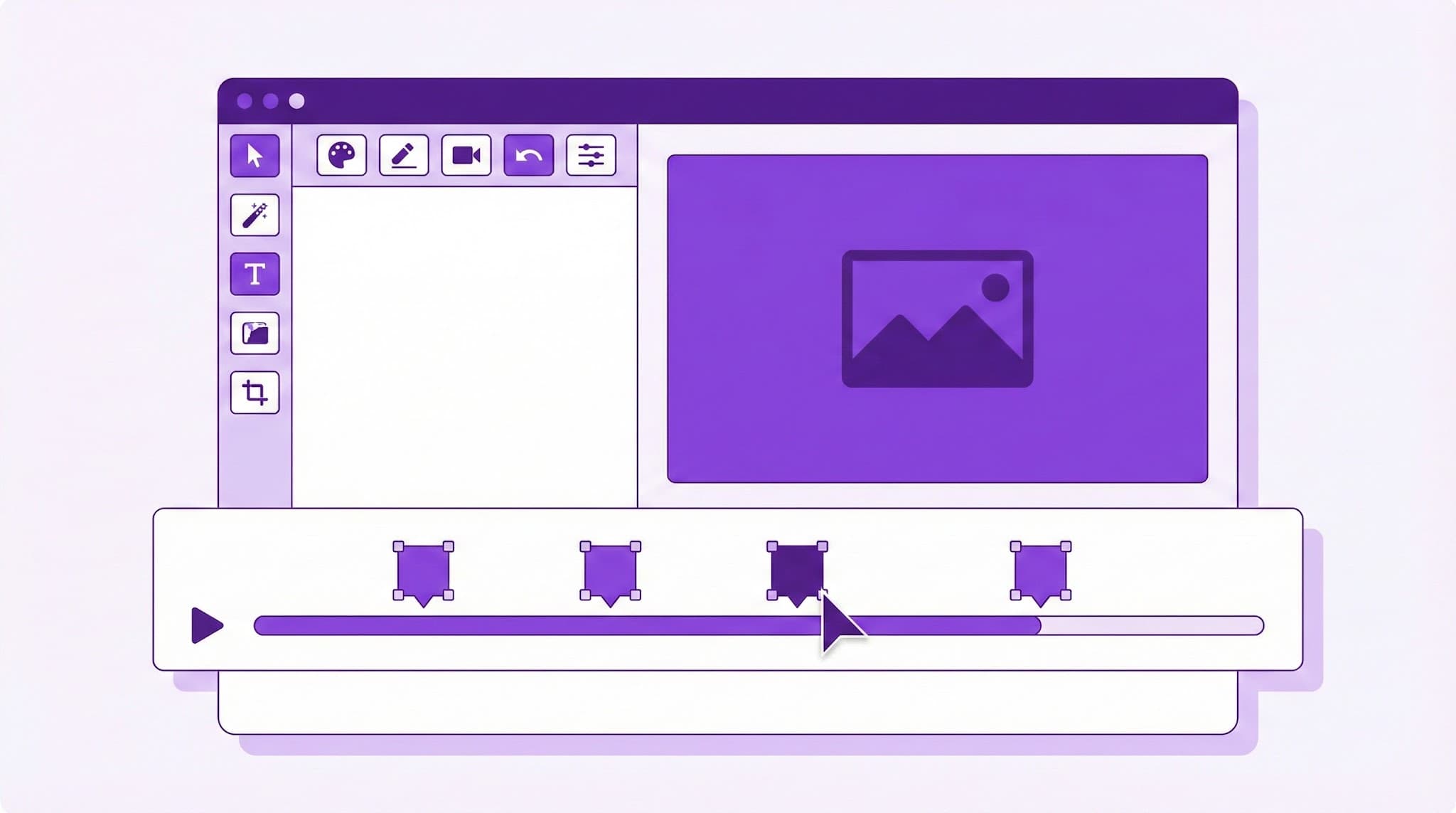
The YouTube Chapters Creator by YTScribe gives you a visual editor to build, edit, and format video chapters exactly how you want them. Create from scratch, or refine AI-generated timestamps to perfection.
When to Use Manual Chapter Creation
🎬 When Precision Matters
AI-generated chapters are good starting points, but they may:
- Miss nuanced topic transitions
- Use generic titles instead of your preferred wording
- Place timestamps slightly off from where you want them
Manual editing gives you full control.
📝 When You Have a Script
If you scripted your video, you already know:
- Exact section breaks
- Preferred chapter titles
- Precise timestamps
Skip AI—enter your chapters directly.
🔄 When Updating Existing Content
Refreshing older videos with new chapters? Manual creation lets you:
- Add chapters to previously un-chaptered videos
- Update titles for better SEO
- Restructure navigation based on viewer feedback
The Chapters Creator Interface
➕ Add Chapters
Click to add new timestamp entries:
- Enter time in MM:SS or HH:MM:SS format
- Type your chapter title
- Repeat for all sections
✏️ Edit Chapters
Click any existing chapter to:
- Adjust timestamp
- Rename title
- Delete if needed
🔄 Reorder Chapters
Drag and drop to reorganize:
- Fix out-of-order entries
- Restructure content flow
- Test different arrangements
📋 Copy Output
One-click copy produces YouTube-ready format:
00:00 Introduction
02:15 First Topic
05:30 Main Content
10:45 Advanced Tips
15:00 Conclusion
Paste directly into your video description.
YouTube Chapter Requirements
For chapters to work, you must follow YouTube's rules:
✅ Required Elements
| Rule | Requirement | |------|-------------| | First timestamp | Must be 00:00 | | Minimum chapters | At least 3 | | Minimum duration | Each chapter ≥10 seconds | | Location | Video description (not comments) |
❌ Common Mistakes
| Mistake | What Happens | |---------|--------------| | Starting at 00:05 instead of 00:00 | Chapters don't appear | | Only 2 chapters | Chapters don't activate | | 5-second chapters | YouTube ignores them | | Chapters in comments | Won't work |
Our editor validates your chapters and warns about issues before you copy.
Chapter Formatting Options
📝 Standard Format
Most common, works everywhere:
00:00 Introduction
02:15 Getting Started
05:30 Main Tutorial
📝 With Dashes
Some creators prefer this style:
00:00 - Introduction
02:15 - Getting Started
05:30 - Main Tutorial
📝 With Emojis
Add visual flair:
00:00 👋 Introduction
02:15 🚀 Getting Started
05:30 💡 Main Tutorial
📝 With Section Headers
For longer videos:
⏱️ TIMESTAMPS

00:00 Introduction
02:15 Part 1: Setup
05:30 Part 2: Implementation
10:45 Part 3: Testing
15:00 Conclusion
Our editor supports all formats—pick what matches your brand.
Best Practices for Chapter Titles
🎯 Be Specific, Not Generic
| ❌ Vague | ✅ Specific | |---------|-----------| | Part 1 | Python Installation | | The Important Part | Building the API | | Conclusion | Next Steps & Resources |
🔍 Include Keywords
Search engines and YouTube index chapter titles: | ❌ No Keywords | ✅ With Keywords | |---------------|-----------------| | How to Do It | How to Install Node.js | | The Comparison | iPhone vs Android: Camera | | My Tips | 5 SEO Tips for Beginners |
📏 Keep Titles Concise
Aim for under 40 characters—longer titles get truncated on mobile.
🔄 Use Consistent Format
Pick a style and stick with it:
- All questions: "How do you..." "What is..."
- All statements: "Setting up..." "Building..."
- All nouns: "Setup" "Implementation" "Testing"
Workflow: AI + Manual Editing
The most efficient approach combines automation with human refinement:
Step 1: Generate with AI
Use our timestamp generator to get initial chapters automatically.
Step 2: Review the Output
AI-generated chapters are usually 80-90% accurate. Common adjustments:
- Move timestamps 2-3 seconds earlier (viewers prefer clicking before the transition)
- Improve generic titles with specific keywords
- Add or remove chapters based on actual content
Step 3: Refine in the Editor
Load the AI output into the chapters creator:
- Adjust timestamps precisely
- Rewrite titles for SEO
- Ensure formatting consistency
Step 4: Copy and Publish
One-click copy, paste into YouTube description, done.
Chapter Analytics: What to Track
After adding chapters, monitor performance in YouTube Studio:
📊 Key Metrics
- Chapter clicks — Which sections get most interest
- Drop-off points — Where viewers leave within chapters
- Rewatch patterns — Which chapters viewers return to
🔄 Optimize Based on Data
If a chapter gets high clicks:
- Content resonates—make more like it
- Consider expanding that section
If a chapter has high drop-off:
- Content may be too long or boring
- Consider splitting or shortening
Integration with Other Tools
Complete Video Optimization
- Transcript Generator — Get your full text
- Timestamp Generator — Auto-generate initial chapters
- Chapters Creator — Refine and perfect
- Title Analyzer — Optimize your video title
- Video Summarizer — Generate description content
For Existing Videos
- Load video into YTScribe
- Generate AI timestamps
- Import into chapters creator
- Edit and refine
- Update YouTube description
Templates by Content Type
🎓 Tutorial Template
00:00 What You'll Learn
00:45 Prerequisites
02:00 Step 1: [First Action]
05:00 Step 2: [Second Action]
08:00 Step 3: [Third Action]
12:00 Common Mistakes
15:00 Next Steps
🎙️ Podcast Template
00:00 Today's Topic
01:30 Guest Introduction
05:00 [Main Discussion Point 1]
15:00 [Main Discussion Point 2]
25:00 [Main Discussion Point 3]
35:00 Rapid Fire Questions
40:00 Where to Find Guest
42:00 Closing Thoughts
📦 Review Template
00:00 First Impressions
01:30 Build Quality & Design
04:00 Key Feature 1
07:00 Key Feature 2
10:00 Key Feature 3
13:00 Comparisons
16:00 Pricing & Value
18:00 Final Verdict
🎮 Gaming Template
00:00 Episode Preview
01:00 Gameplay Begins
05:00 [Key Moment 1]
10:00 [Key Moment 2]
15:00 [Boss Fight/Challenge]
20:00 Results & Commentary
23:00 Next Episode Teaser
Frequently Asked Questions
Can I import existing timestamps? Yes! Paste your current chapters and the editor will parse them for editing.
What if I make a formatting mistake? The editor validates your chapters and highlights errors before you copy.
Can I save chapters for later? Pro users can save chapter sets for reuse across similar videos.
Do chapters work on YouTube Shorts? No. Chapters only work on regular YouTube videos.
Can I add chapters to videos I don't own? You can generate chapters for any video for your own reference, but you can only update descriptions on videos you control.
How many chapters should I have? Generally 5-12 for a 20-30 minute video. Fewer feels sparse; more feels overwhelming.
Beyond Chapters: Complete Creator Toolkit
Chapters are one piece of video optimization:
- Timestamp Generator — Auto-generate starting points
- Title Analyzer — Optimize your title
- Video Summarizer — Create description content
- Transcript Generator — Add full transcript
- Chrome Extension — Access tools on YouTube
Start Creating Chapters Now
Perfect chapters don't happen by accident. They're crafted—with the right titles, the right timestamps, and the right structure.
YTScribe's chapters creator gives you the visual editor to build exactly what your video needs, formatted and ready to paste.
Ready? Start creating your chapters above, or load AI-generated timestamps to refine.
Related Keywords:
Ready to Try YTScribe?
Get started with free YouTube transcripts today. No credit card required.

Ced Yarish
Founder & DeveloperCreator of YTScribe with 1,000+ hours of YouTube watched and hundreds of videos personally transcribed. Full-stack developer passionate about making video content accessible and searchable. Building tools that help creators, students, and professionals unlock the value hidden in video content.