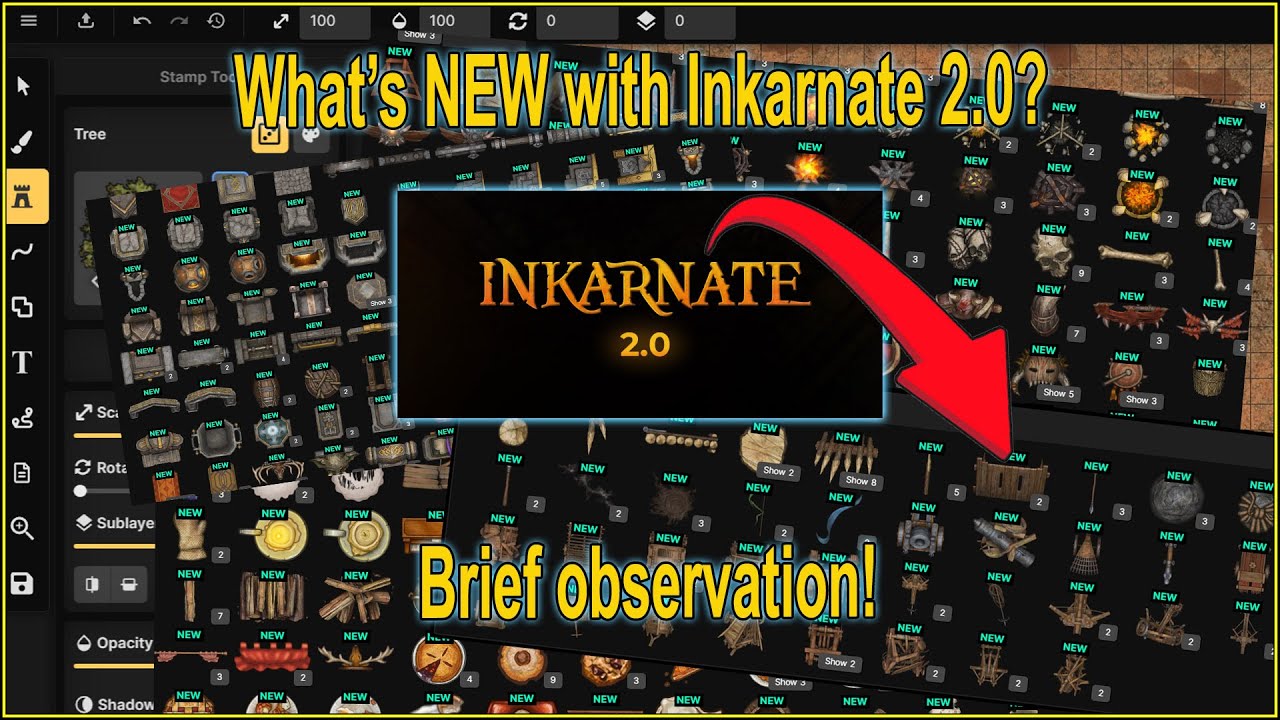
Incarnate has upgraded to 2. 0 and I was checking it out and I thought I'd share with you what I found or what I see that's different. I'm going to choose the uh just standard fantasy map for a moment.
This is where I do most of my mapmaking anyway. And some of the features I found right off the bat was the export is missing from the bottom. So that was a little different.
I found it up here in the corner. So now I know where that is. That's great.
Went to the stamp tools and there's now an F button to go to stamps or you can click on the the calendar uh catalog. Sorry. And I've already looked at a bunch of these but anything with a 2.
0 is all the new assets and there are a lot of them and they look fantastic. Um, there is no, as far as I know at this moment in time, there is no way to make animated maps. If there is a way to make an animated map and there's a video on how to do so, you know, link it down below.
I would very much appreciate it. Uh, because that would be just another level of awesomeness for the players to see. But uh in general, we have new assets which are pretty awesome.
Uh let's see. Now, here's something I found recently that was a little new. Uh when you're say you're drawing your your outside border with the the trees, this there used to be a random here to decide whether you want to be random or not.
It's now here. This turns on and off your randomization. In addition to that, we have uh a saturation here, which is kind of cool.
I'm going to put one out here, which allows us to change I don't know if this is going to change much. Oh, there it is. It's right there.
Changing what it looks like, which is kind of cool. The brightness and contrast. And now can randomize all that.
Pretty neat. I put this back to roughly zeros. So it's back to regular trees.
The other thing I noticed was the grid is missing from the left hand side. It's now over on this side. And we can see here if I put a grid in place, expand this and say, "Show me the grid.
" It's down below everything, it's no longer on top. But if I drag and drop this over on top of it, now it's on top. The layers are now, you're no longer restricted by how many layers you can have.
You can add another layer. U say an object layer. We're gonna call it ah Oh, come on.
House layer. I can now go into browser and I maybe Oh, I know. We'll do this.
Grab a wall and we're going to put a house right here. So now that's in the house layer. But let's say I want the house layer to be above the grid.
I just drop it above the grid. How cool is that? That's pretty neat.
And let's say for some reason I had another asset here. I don't know, this thing inside the house and I realize, oh, I actually want that to be in a different in this objects down here. I could drag and drop it into that.
Now it's in this objects layer, which is pretty cool. And then, of course, when we're all said and done, minimize all that and uh happy with this, go ahead and export it. These are just some of the things I've noticed so far uh in the standard map making, but they've also added something that's pretty cool.
They're going back to the old classics here. Classic battle map. This is pretty neat.
It's got relatively everything else as far as um your layers are concerned, but the grids here and by default you get all of these black and white images to drop into your your map, which is pretty cool. I kind of like it. Uh it's going to add some new layers of uh creativity, if you will.
And additionally, let's not save that. Apparently, I'm not a big I don't do fantasy worlds, but they apparently added some stuff here as well. I'm curious to see what they may have added.
Going to assume everything is new, of course. Terrain, foliage. There's your core.
I don't know if I am. This actually does look new to me. I don't remember this.
These are pretty neat. Neat new assets here. That's pretty cool.
Um, so yeah, if you're a map maker, this looks like it's they've added a lot of stuff here as well. Those are the few things that I've noticed. Uh the grid's on the right side.
Some layering is on the right side and export is up here. If uh I missed anything and you want to know something, how to create something, you know, leave a comment down below and uh see if I can find the answer for you. Thanks for watching.
Catch you in the next one. Pretty neat.