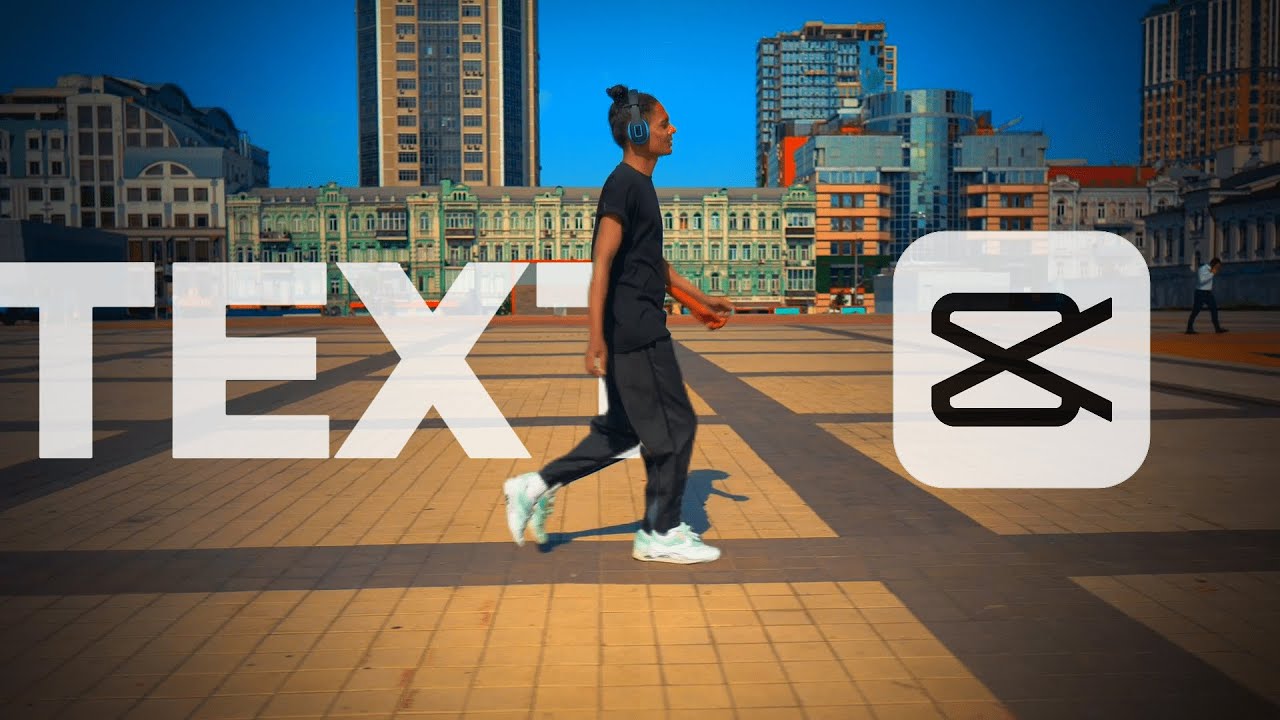
[Music] hi everyone in this tutorial I quickly show you how to create R TX is work so let's get started add a video to the [Music] timeline add a text set text [Music] duration change default text choose phone and change Tex size move text to the right and set a ke frame at the beginning of the text then at the end of the video move the text to the left [Music] and set a key frame now add the same video to the timeline now we need move the text between the two videos it's not working
as you can see click on an empty space in a timeline and a modify button will be appear on the right turn on Ranger Light now move the text between the two videos select the video on top on the right choose a horizontal mask for the video and adjust it till the Tex appear to the left of the person [Music] now to make it even more beautiful as the Time video on top and remove the background [Music] thank you for everyone watching the video till then if you like it subscribe the channel and like the
video
What are the key takeaways?
Based on the transcript, here are the key points...


![Afternoon Jazz 🎷 [jazz lofi]](https://img.youtube.com/vi/-R0UYHS8A_A/mqdefault.jpg)





![1 A.M Study Session 📚 [lofi hip hop]](https://img.youtube.com/vi/lTRiuFIWV54/mqdefault.jpg)