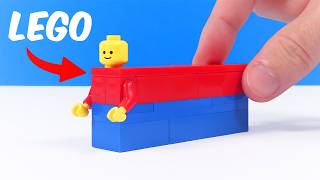
I'm a LEGO animator and in this video I'm using the most illegal building techniques to make some satisfying LEGO animations. In case you don't know, illegal building techniques are ways of using LEGO that put a lot of stress or sometimes even damage the pieces. Something official LEGO designers avoid, but they can be used very creatively to make custom builds.
And instead of using them in builds, I'll be taking them to an extreme level, using them to make some LEGO animations. From bending LEGO to sanding down minifigures and even melting some. I'll be putting LEGO bricks through a lot today.
Anyway, let's begin animating. I want to try and recreate this old animation I made where I cut a minifigure with a knife. Except, I didn't really cut the minifigure.
You see by building two halves out of LEGO bricks, I just switched out the real figure with them to make the illusion of cutting the figure. So this time I'm going to actually cut the figure. And cutting LEGO is definitely very illegal.
Now it turns out cutting LEGO isn't easy. It took a really long time and I actually messed up the first one. The cut was very uneven.
So I took the figure apart and cut each piece separately very carefully for maximum accuracy. Now I have a perfectly split minifigure. This looks wild.
Anyway, I made the animation and it turned out a lot better than the original. Next, I want to animate the minifigure cut a brick in half. So I gave this minifigure chainsaw and animated it, cutting the brick a little bit between each frame until it was completely cut in half.
For extra effect, I used the plastic bits from the cutting as shrapnel flying off. That looked pretty realistic. Sometimes LEGO pieces just break, and I have a lot of these older brown bricks, which are notorious for cracking.
And seeing these broken parts might make you sad, but I see potential. These pieces are perfect for animating one of those karate style board breaks. So I built a tiny LEGO table and animated this minifigure slamming through it by swapping the brand new brick with already broken ones.
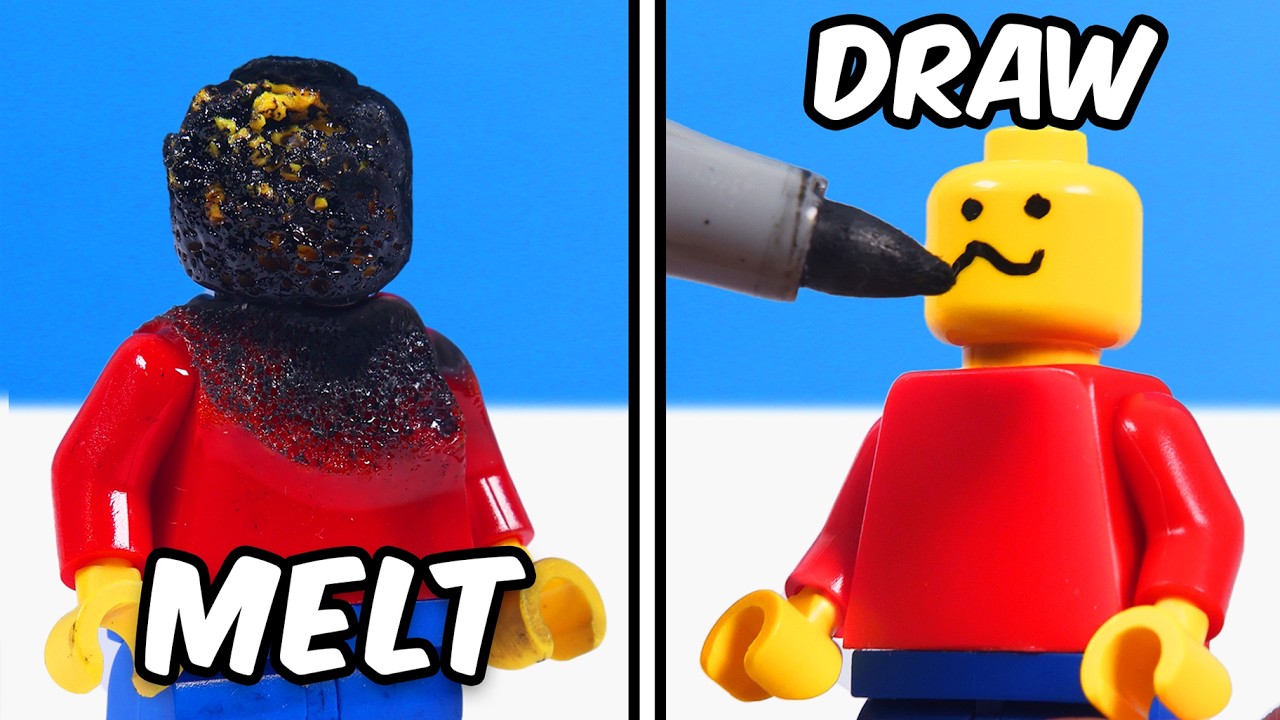
When played back, it looks like the figure breaks the table. I have animated LEGO fake melting before, but to make it illegal, it needs to be real melting. So for this next animation, I gave this Minifigure a LEGO flamethrower.
But I needed a way to melt the minifigure. So I went outside to the snow, where it's safe and set the minifigure on fire. I burned it for a couple of seconds before I stuck it in the snow to put it out, and I burned several minifigures at different stages.
One is barely melted. The next one a bit more and the last one is basically just a blob of melted plastic. The smell was really bad, so don't do this at home.
Also, I'm a professional and made sure to do it outside. With all these minifigures melted at different stages ready, I could finally animate. I swapped in a more melted figure between each frame, so it looks like the heat slowly melts it.
This is probably the most illegal animation I have done. For the next animation, this minifigure is gonna shoot at this wall, but instead of adding bullet holes by editing them in, I'll do it the practical way. I'm gonna add some real ones.
Wait, wait, wait. Not real bullet holes. I mean real holes.
With this drill. Now turns that drilling into LEGO wasn't as easy as I thought. I first tried this tiny drill, but that took forever and I couldn't get a good hole.
So I got this bigger drill, which finally managed to break through. I used this transparent orange piece attached to the tip of the gun to simulate muzzle flashes. I then drilled the holes between each shot while animating, and the result ended up looking pretty awesome.
Now I'm left with these bricks that look like Swiss cheese. And yeah, I could have just used these one by one technic bricks with holes in them, but that wouldn't have been as fun. And it doesn't work with minifigures at all.
So drill it is. I made this hole in a minifigure, and now I can animate the bullet go through it. That's a good hole.
And I used these ice cream pieces for the smoke coming from the gun. Looks pretty good. Normally to make a LEGO Minifigure swim, you just remove the legs and put it on a blue baseplate.
Very simple. But what if you wanted to figure the sink? Well, that's a bit harder to achieve.
The only pieces you can remove are the legs and the torso, which makes the figure sink very fast when animated. But what if I wanted to figure the sink slowly, like in quicksand? Well this minifigure foolishly stepped on some.
And I have an illegal way to make it slowly sink. I got some sandpaper, and by sanding the bottom of the figure, I can make it look shorter or like it has sunk into the quicksand. I then do this a tiny bit between every picture until we have no more minifigure.
When played back, it looks like the figure just disappears down into the mud. This is what was left of the figure. Just a bunch of LEGO dust, like it got Thanos snapped, which by the way got literally everywhere.
Also, the sanded down minifigure heads look really funny. And normally the movement of a LEGO head is very limited. It can only spin around, but if you pop off the head and get some sandpaper, we can sand down the neck part until it's just a tiny nub.
This no longer restricts the movement and lets us animate way more moves than you normally could do. Now I can animate the head tilting to the sides, nodding in agreement, or even bopping it to music. I also sanded down the attachment points on the legs.
So now with both the torso and legs sanded, the figure is no longer restricted in how it can move, and we can animate the figure do funky moves like this, or this. Also, the minifigure is barely sticking together at this point, so I used sticky tack to hold it together. And you don't see LEGO packing sticky tack in their sets, so this technically also counts as illegal.
Imagine if LEGO included that in their sets. That would be absurd. Anyway, I use sticky tack all the time in my animations.
A lot of them will be impossible without it. Like balancing minifigures walking, I always put someone under the feet. This way the figure doesn't topple over.
And whenever I animate stuff flying, I have to stick it to something to hold it up and sticky tack works great. Popping off the arms of minifigures can damage the torso piece. I have many of his cracks in them, so that's also illegal.
But with sticky tack, it's a great way to pose the arms in ways LEGO never intended. Then I can animate the arms do funny moves, flap like a bird or even wave. You can do the same with legs, but it doesn't look as good since the leg connector sticks out.
So I got some of these non-LEGO third party legs, which fit normal minifigures. And I know there are many people who don't like third party stuff, so this definitely counts as illegal. Anyway, these legs are really cool and let me animate some crazy moves.
This one works great for jumping jacks and karate kicks. While these can be used to animate the figure sprinting or walking in a very silly manner. I also got some of these really freaky hands with actual fingers.
I can pop off the normal hands and swap them in, but they make me kind of uncomfortable. Whoever made this should be arrested by the LEGO police. And hey, if you also think they look weird, leave a like on the video.
When I was a kid, I would sometimes draw on LEGO and these lines are still on some of my older bricks. It just doesn't come off. So this is definitely illegal.
Also, when animating a figure paint a wall, you can just switch out the bricks with a different color. But this doesn't work when writing stuff or drawing anything complex. But if I draw on the LEGO bricks with a Sharpie, I can write anything while animating.
So I set up a canvas and gave this minifigure some spray paint, and now I can animate the figure do street art. That's pretty satisfying. Oh, and you should do what the wall says.
Another very illegal thing to do, is erasing prints off of LEGO bricks. So I got an eraser, and with it I actually can remove the prints from this minifigure head. I erased parts of the eye, so they look closed.
And if I swap it with a normal head in an animation, it looks like the Minifigure blinks. I can also erase the entire face and then draw a brand new one using a marker. It looks a bit janky, but in a good way.
And I drew a bunch of different variations so I can animate different expressions, just like in the LEGO movie. But now in real life. Anyway, we have happy, sad, and confused.
That's pretty cool. Have you ever tried bending a LEGO piece? Well, normal LEGO bricks are impossible to bend.
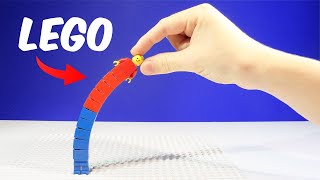
But these LEGO plates are thin enough that with enough force, you'll be able to bend them. That's so illegal. So how can I use this in an animation?
I thought of diving boards and how they bend when you jump on them. So I built this LEGO diving board and I want to animate it bending like a real one when a minifigure jumps on it. I then built the rest of the swimming pool, adding some nice details, like one of those wet floor warning signs.
Once the minifigure was dressed properly for the occasion, I could begin animating. So to animate this like a diving board, I just bend it a little bit between each frame. And I need to put a lot of pressure to make it stay bent.
Otherwise, it just bends the right bank. Once I was done animating the piece was unfortunately very damaged. At least the animation ended up looking really great.
The way the board bends is super satisfying, and I got another idea that includes bending LEGO. This is a LEGO pool noodle, but it doesn't wobble like a real one, so I want to try to animate it to look like it's wobbling around by bending it. I thought I would have to use a lighter to melt it to make it softer, but it turns out I can very easily just bend it with my fingers.
So I then animated it and it actually turned out pretty good. This piece is also used for LEGO lightsabers, so I also animated one bending. Unfortunately, the LEGO City police have caught onto my illegal animations and are searching for me, so I must end the video here.
But if you liked any of these animations, then consider checking out some of my other videos. Anyway, thanks for watching.